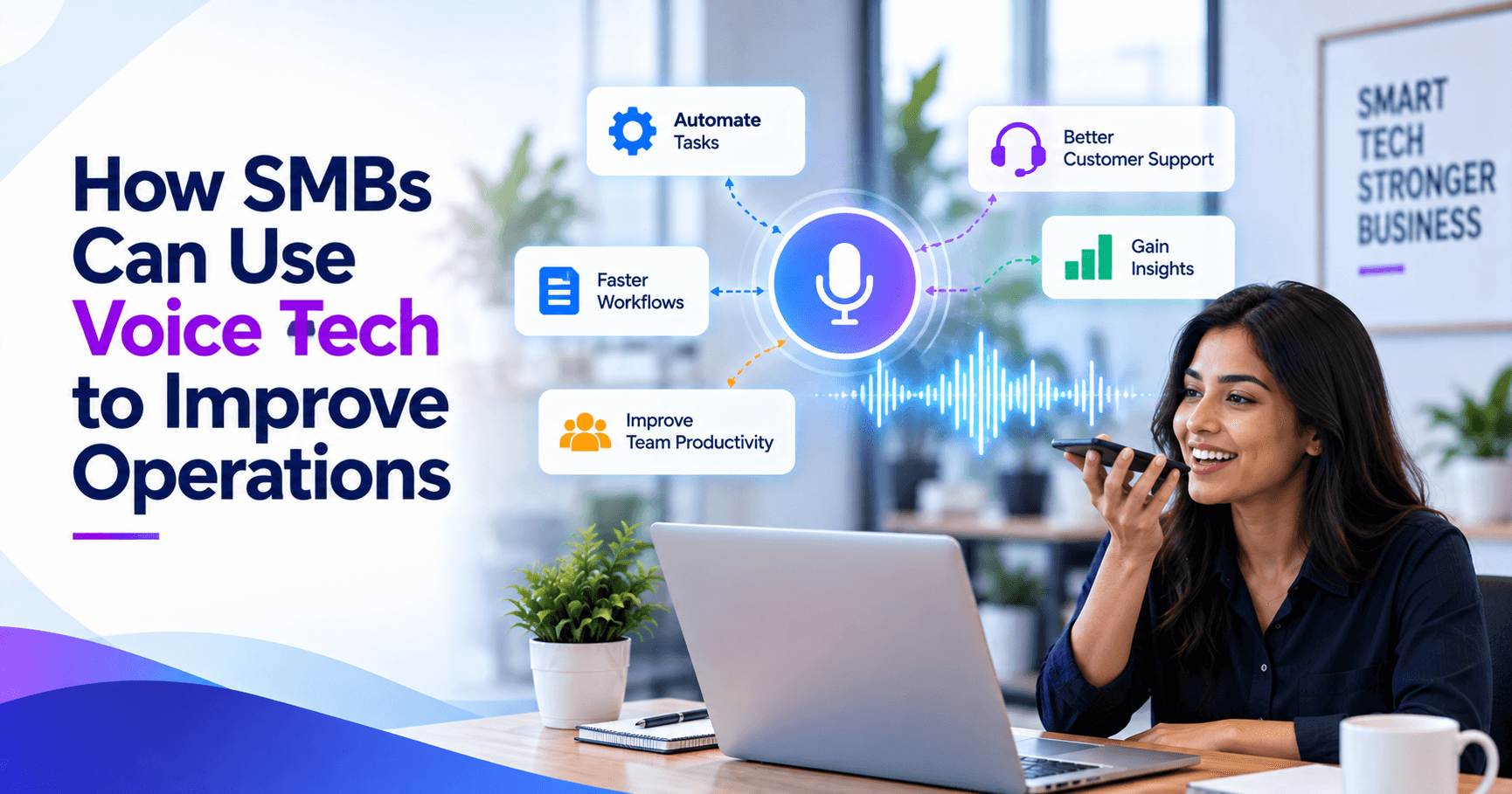
SMBs can leverage voice technology by applying it to high-friction tasks: answering common customer questions, routing calls, capturing field updates, and letting staff interact with systems hands-free. When voice tools are integrated with business applications instead of deployed as a standalone novelty, they can reduce manual work, shorten response times, and make customer interactions more consistent.
Key takeaways
- Voice technology creates the most value for SMBs when it is tied to specific workflows such as call routing, appointment handling, field updates, and internal system lookup.
- The strongest SMB voice implementations combine speech recognition, natural language understanding, and integration with CRM, help desk, ERP, or scheduling platforms.
- A narrowly scoped pilot with clear success criteria is usually more effective than launching a broad voice assistant across the entire business at once.
- Security, consent, access control, and transcript retention policies should be designed before voice systems begin collecting customer or employee conversations.
- For many SMBs, a practical first deployment can be completed in weeks, while more integrated voice automation projects often take a few months depending on system complexity.
Where voice technology delivers real business value
Voice technology is no longer limited to phone trees or smart speakers. In business settings, it typically includes speech-to-text, text-to-speech, natural language understanding, voice bots, and voice interfaces embedded into mobile apps, contact center tools, kiosks, or internal workflows. For SMBs, the opportunity is not to chase the most advanced AI feature; it is to remove friction from routine interactions that happen hundreds of times per week.
In our experience, the best use cases share three traits: they are repetitive, time-sensitive, and currently depend on staff retyping or relaying information. Examples include customers calling for store hours, order status, appointment availability, invoice questions, password reset guidance, or service dispatch updates. Internally, voice can help warehouse supervisors log exceptions, field technicians update job status without stopping to type, and managers retrieve quick operational data while moving between tasks.
That practical framing matters because voice projects often fail when they are positioned as a broad digital transformation initiative without a clear operational target. A business owner should be able to answer one question before investing: What specific process becomes faster, easier, or more accurate when people can speak instead of click, type, or wait?
High-impact SMB use cases for operations and customer interaction
Customer-facing voice systems are often the easiest starting point because the business case is visible immediately. A modern voice assistant can answer common questions, authenticate callers, collect structured information, and route requests based on intent. For a medical practice, that may mean directing patients to scheduling, billing, or prescription refill steps. For an e-commerce brand, it may mean handling order status, returns policy, and shipping updates before a human agent joins the conversation.
Operational use cases can be even more valuable, especially in service businesses where staff work away from desks. A technician can say, “Start job,” “Need part approval,” or “Completed with follow-up required,” and the system can update a ticket, notify dispatch, and trigger an invoice workflow. In manufacturing, logistics, or facilities management, voice can reduce the need for workers to switch contexts, remove gloves, unlock devices, or navigate multiple app screens while performing physical tasks.
Common SMB voice use cases worth evaluating
- Inbound call handling: intent-based routing, after-hours messaging, FAQ responses, call summaries, and callback capture.
- Appointment workflows: booking, rescheduling, reminders, cancellations, and waitlist handling.
- Field service updates: hands-free status changes, parts requests, issue notes, and customer sign-off steps.
- Sales and support enablement: voice notes converted into CRM entries, meeting summaries, and follow-up task creation.
- Internal help desk: password reset guidance, ticket triage, asset lookup, and policy retrieval.
- Order and account self-service: order status, invoice inquiries, payment links, and basic account verification.
Not every use case belongs in phase one. Businesses usually gain more by selecting one customer workflow and one internal workflow, then designing them deeply enough that users trust the experience.
The technology stack behind a useful voice solution
Decision-makers do not need to become speech AI specialists, but they should understand the core components. At the front end, a system needs automatic speech recognition to turn spoken language into text and text-to-speech to respond naturally. It also needs a layer for intent recognition and entity extraction so the system knows the difference between “reschedule my appointment,” “track my order,” and “talk to billing.”
The real business value, however, comes from integration. A voice bot that can only answer static questions is limited. A voice workflow that connects to a CRM such as Salesforce or HubSpot, a help desk like Zendesk or Freshdesk, an ERP, a scheduling system, or a custom web/mobile platform becomes operationally useful. Middleware and automation tools such as APIs, webhooks, iPaaS platforms, or custom workflow services are often what turn voice from a front-end convenience into a measurable process improvement.
There are multiple architectural choices. Some SMBs start with cloud platforms such as Amazon Connect, Google Cloud Speech-to-Text, Microsoft Azure AI Speech, Twilio, or contact center software with built-in conversational features. Others need a custom layer for industry-specific workflows, authentication, or compliance requirements. At BCW Technology, we usually advise clients to avoid over-customizing too early unless they have a clear integration need, because maintenance complexity rises quickly once every intent and exception path becomes bespoke.
Key technical design questions
- How will the system authenticate users? Caller ID alone is rarely enough for account-specific actions.
- Which systems must it read from or write to? CRM, scheduling, ticketing, inventory, payment, or ERP data may all be involved.
- What happens when confidence is low? Good voice design includes graceful fallback to SMS, web forms, or live agents.
- Do you need multilingual support? Language coverage changes model selection, testing, and support staffing.
- Will the output be stored? Transcripts, recordings, and summaries affect compliance and retention policy decisions.
A step-by-step framework for deciding what to build first
Many SMBs ask whether they should deploy a voice assistant on the phone, in a mobile app, or internally for employees. The right answer usually emerges from workflow analysis rather than channel preference. Start by mapping the top 10 interaction types by frequency and friction. Look for moments where employees spend time asking the same questions, re-entering the same data, or toggling between systems while customers wait.
Next, score each candidate use case across five dimensions: volume, business impact, process clarity, integration complexity, and failure tolerance. A use case with high call volume and clear answers, such as appointment rescheduling, is a better first candidate than a complex troubleshooting conversation with many edge cases. Voice works best when the request is understandable, the next action is defined, and a fallback path exists.
A practical decision framework
- 1. Define the business problem. Use plain language: “Our dispatchers spend too much time collecting routine updates from field techs.”
- 2. Measure the current workflow. Track average handling time, transfers, after-hours volume, abandonment patterns, or manual data entry steps.
- 3. Select one narrow pilot. Choose a workflow that matters operationally but does not create severe risk if escalated to a human.
- 4. Design intents and exceptions. Document what users will ask, what data must be captured, and when the system should hand off.
- 5. Connect the core systems. Integrate only the platforms required for the pilot instead of trying to connect everything.
- 6. Test with real language. Employees and customers rarely speak in scripted phrases; pilot testing should reflect actual accents, phrasing, and background noise.
- 7. Review outcomes and expand. If the pilot reduces wait time or manual effort without frustrating users, extend to adjacent workflows.
This approach keeps expectations realistic. A good pilot often proves value by eliminating one repetitive step, not by replacing an entire team. That is a healthier way to build trust in the technology and avoid overpromising.
Cost, timeline, and resourcing: what SMBs should realistically expect
Costs vary widely because “voice technology” can mean anything from a basic cloud contact-center feature to a deeply integrated conversational workflow. A lightweight implementation using existing phone or contact-center software may be achievable with modest configuration costs and a subscription model. A custom voice workflow that connects to CRM, ticketing, scheduling, inventory, and analytics systems will typically require more discovery, integration work, testing, and governance.
As a general planning estimate, many SMBs can pilot a focused voice solution in a few weeks to roughly two months if the use case is narrow and the underlying systems are already API-accessible. More integrated projects commonly land in the two- to four-month range, especially when custom logic, authentication, or compliance review is involved. Budget-wise, think in tiers rather than exact numbers: configuration-first deployments are usually far less expensive than custom application work, while ongoing costs often include telephony usage, speech processing, platform subscriptions, and support.
Resourcing matters as much as software selection. A successful rollout usually needs an operational owner, an IT lead, and someone who knows the actual conversation patterns customers or employees use. If no one owns prompt design, call flows, exception handling, and post-launch review, the system may technically work but still underperform because it does not reflect how people really ask for help.
Typical cost drivers
- Number of intents, languages, and supported scenarios
- Depth of CRM, ERP, scheduling, or payment integration
- Authentication and compliance requirements
- Need for custom mobile, web, or agent-assist interfaces
- Call volume, recording storage, and AI processing usage
- Testing effort across accents, devices, and noisy environments
Security, privacy, and compliance issues that cannot be an afterthought
Voice projects raise important security questions because conversations often contain names, addresses, account details, health information, or payment-related data. Before deployment, SMBs should decide what the system will capture, where recordings and transcripts will be stored, who can access them, and how long they will be retained. This is basic governance, but it is often skipped when businesses treat voice as a simple front-end feature.
Controls should include role-based access, data encryption in transit and at rest, secure API authentication, and clear handoff rules when identity cannot be verified. If the solution touches regulated information, involve legal or compliance stakeholders early. Depending on the business, concerns may include PCI-related payment handling, HIPAA considerations for healthcare workflows, consent rules for call recording, or internal retention obligations.
There is also a model governance angle. If AI-generated summaries or suggested responses are part of the system, staff should know what is automated, what is advisory, and what requires human confirmation. Transcripts can improve quality assurance and analytics, but they can also create risk if sensitive data is retained longer than necessary or copied into systems without access controls.
Minimum safeguards for SMB voice deployments
- Consent and disclosure: tell users when calls are recorded or processed by an automated system where required.
- Least-privilege access: limit who can review recordings, transcripts, and summaries.
- Redaction rules: mask payment or sensitive identifiers in logs and transcripts when possible.
- Fallback procedures: route to a human when identity, intent, or confidence is unclear.
- Retention policy: define how long audio and transcripts are kept and why.
Common pitfalls and how to avoid disappointing results
The biggest mistake SMBs make is deploying voice technology as a novelty layer rather than a workflow tool. If the system cannot access live business data, complete a transaction, or hand off context cleanly, users quickly lose patience. Another common error is trying to automate complex conversations too early. Support interactions with many exceptions, emotional nuance, or diagnostic ambiguity often need agent-assist features before they need full self-service automation.
Testing is another weak point. Teams often validate voice tools in quiet offices with scripted prompts, then discover that customers speak differently and field staff use devices in noisy environments. Good testing includes multiple accents, informal phrasing, interruptions, and realistic background conditions. It should also cover failure states: what happens when the customer asks two things at once, uses an uncommon product term, or changes intent mid-conversation?
Finally, many businesses fail to define success in operational terms. The right metrics depend on the use case, but they may include reduced transfers, faster status updates, fewer manual entries, shorter response queues, better first-contact routing, or improved consistency in captured data. Voice should not be judged only by whether the speech model recognized words correctly; it should be judged by whether the business process became easier and more reliable. When approached that way, voice technology can be a practical advantage for SMBs rather than just another channel to manage.
Frequently Asked Questions
What is the best first voice technology use case for an SMB?
The best first use case is usually a high-volume, repetitive workflow with clear next steps, such as appointment scheduling, order status, call routing, or field status updates. These scenarios are easier to automate safely because they rely on structured information and can escalate to a human when needed.
Does voice technology require a fully custom application?
No. Many SMBs start with cloud contact-center platforms or communication tools that already include speech recognition, call flows, and basic conversational features. Custom development usually becomes necessary when the business needs deeper integration with CRM, ERP, scheduling, or proprietary workflows.
How long does it take to implement a voice solution for a small or mid-sized business?
A focused pilot can often be implemented within a few weeks to around two months if the use case is narrow and the required systems are accessible. More integrated deployments typically take longer, especially when authentication, compliance review, or multiple back-end systems are involved.
What are the main risks of deploying voice technology too quickly?
The main risks are poor user experience, inaccurate routing, weak authentication, and collecting sensitive data without a clear retention or access policy. Businesses also run into trouble when they automate complex conversations before defining fallback rules and integration requirements.
Work with BCW Technology
Planning a project around this? We help small and mid-sized businesses across the USA ship it. Explore our services and portfolio, request a quote, or get in touch.