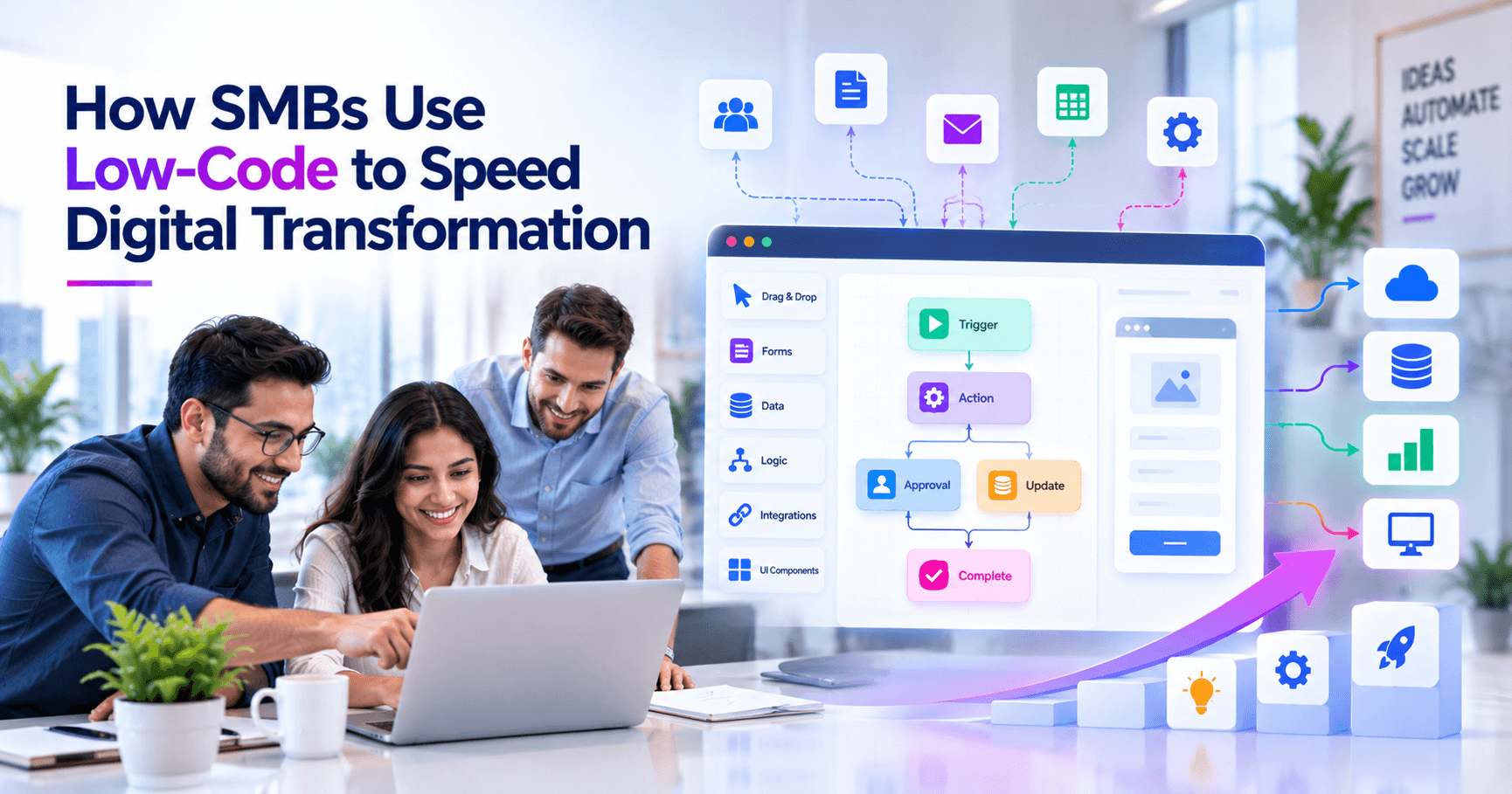
SMBs can leverage low-code platforms to accelerate digital transformation by using visual development tools, reusable connectors, and prebuilt workflow components to automate high-friction business processes without funding a large custom software team. In practice, that means starting with one or two process bottlenecks—such as approvals, intake forms, service requests, or customer follow-up—and delivering usable internal apps in weeks, while keeping IT focused on governance, integration, and security rather than hand-coding everything.
Key takeaways
- Low-code platforms help SMBs deliver internal apps, approvals, dashboards, and integrations faster by reducing the amount of custom code required.
- The best low-code use cases are process-heavy, rules-driven workflows with clear business owners, not highly complex core systems with unusual performance demands.
- Governance matters: role-based access, environment separation, API controls, audit logs, and lifecycle management should be defined before broad rollout.
- A successful low-code initiative starts with one measurable workflow, integrates with existing systems of record, and expands only after standards are proven.
- Typical SMB low-code projects can launch in weeks rather than months when requirements are narrow, data sources are known, and approval paths are well defined.
Why low-code is gaining traction with SMBs
For many small and mid-sized businesses, digital transformation is not about chasing the newest platform. It is about replacing spreadsheets, email chains, paper approvals, and disconnected systems that slow down revenue, service delivery, hiring, procurement, or compliance. Traditional custom development can absolutely solve those problems, but it often requires more budget, lead time, and specialized engineering capacity than an SMB wants to commit for every workflow.
Low-code platforms sit in the middle ground between manual work and full custom software. Tools such as Microsoft Power Apps and Power Automate, Salesforce Platform, ServiceNow App Engine, Appian, Mendix, OutSystems, Zoho Creator, and Airtable-based stacks let teams assemble business apps through visual logic, forms, data models, and integration connectors. That does not make architecture unimportant; it simply shifts effort away from rebuilding standard components and toward designing the right process, controls, and integrations.
In our experience, low-code works best when the business already understands the workflow it wants to improve. If your team knows who submits a request, who approves it, what data must be collected, and what system needs updating at the end, a low-code platform can usually deliver value quickly. If the process itself is undefined or changes daily, the first step is process design, not tool selection.
Where low-code delivers the strongest business value
Not every problem should be solved with low-code, but several SMB scenarios are especially well suited to it. The common pattern is a process with repeatable steps, multiple stakeholders, clear rules, and data that needs to move between systems. In those situations, low-code can shorten the path from idea to production because the team is configuring proven building blocks rather than writing an application from scratch.
Common high-value use cases include employee onboarding, field service intake, sales quote approvals, contract routing, inventory exception handling, customer support triage, vendor onboarding, compliance attestations, and renewal reminders. A distributor might build a mobile-friendly receiving app tied to Microsoft 365 and an ERP. A healthcare-adjacent business might create a secure incident-reporting workflow with role-based access and audit history. A professional services firm might automate project intake, staffing approval, and client kickoff tasks across Microsoft Teams, SharePoint, and a CRM.
Good candidates for low-code projects
- Approval workflows: travel, purchasing, discounts, contracts, time-off requests, change requests.
- Data collection apps: inspections, service forms, lead capture, intake questionnaires, internal audits.
- Operational dashboards: task status, SLA tracking, pipeline visibility, exception monitoring.
- System-to-system automation: syncing records between CRM, ERP, help desk, e-commerce, and accounting tools via APIs or connectors.
- Customer and employee self-service: portals for requests, status updates, knowledge access, or document submission.
By contrast, low-code is usually a weaker fit for products requiring highly customized user experiences, real-time transactional complexity, unusual performance requirements, sophisticated offline logic, or deep algorithmic processing. Those cases may still involve low-code at the workflow edge, but the core system often belongs in a custom application or established enterprise platform.
How to choose the right platform and avoid expensive mismatch
The platform matters because low-code is never just about screen building. It affects security, data architecture, licensing, integration, deployment, maintainability, and who can safely make changes later. SMBs often get into trouble when they choose based only on a slick demo, then discover connector limits, user-based licensing surprises, weak audit controls, or poor fit with their existing ecosystem.
Start with your current stack. If your business already relies heavily on Microsoft 365, Azure Active Directory, Teams, SharePoint, and Dynamics, the Power Platform is often a practical place to evaluate first. If your operations run inside Salesforce, using Salesforce Flow, Lightning, and the broader platform can reduce integration friction. If you need stronger process orchestration, case management, or regulated-workflow controls, platforms such as Appian, ServiceNow, Mendix, or OutSystems may be more appropriate. If simplicity and cost are the main drivers for departmental apps, lighter tools such as Zoho Creator, Airtable, or Quickbase may be sufficient.
Selection criteria that matter in real deployments
- Identity and access: SSO, MFA, role-based permissions, integration with Entra ID, Okta, or Google Workspace.
- Integration options: native connectors, REST APIs, webhooks, database connectivity, middleware support, and rate limits.
- Data model flexibility: whether data lives in the platform, external databases, or systems of record such as ERP and CRM.
- Environment management: development, test, and production separation; deployment pipelines; rollback options.
- Audit and compliance: logging, version history, approval records, retention controls, and policy enforcement.
- Licensing model: per-user, per-app, per-flow, or consumption-based pricing and how that scales with adoption.
- Supportability: availability of skilled admins, developers, documentation, and long-term vendor roadmap.
A useful rule is to avoid moving critical master data into a low-code platform unless there is a deliberate reason. For most SMBs, low-code should orchestrate work around systems of record, not become an uncontrolled replacement for them. That architecture keeps migration risk lower and makes future changes easier.
A practical decision framework for SMB leaders
Business decision-makers often ask whether they should automate first, clean up data first, or replace a legacy tool first. The answer is to work backward from business friction and risk. A good low-code initiative solves a meaningful problem, has a clear owner, and can be deployed without rewriting the company’s technology foundation.
We recommend a simple step-by-step framework that operations, IT, and leadership can use together before any platform purchase or pilot begins.
Step-by-step evaluation process
- 1. Identify one high-friction workflow. Pick a process that is repeated frequently, touches multiple people, and causes visible delay, rework, or compliance risk.
- 2. Document the current state. Map trigger, inputs, approvals, exception paths, downstream systems, and handoff points. Count forms, emails, spreadsheets, and duplicate entry steps.
- 3. Define the target outcome. Decide what “better” means: fewer handoffs, faster approvals, better visibility, stronger audit trails, or less manual entry.
- 4. Check system dependencies. List every source of truth involved: CRM, ERP, HRIS, e-commerce platform, file storage, email, identity provider, and reporting tools.
- 5. Classify the risk level. Determine whether the process touches financial approvals, customer PII, employee data, contracts, or regulated records.
- 6. Choose build approach. Decide whether the need is best met by low-code, custom development, SaaS configuration, or a hybrid approach.
- 7. Pilot narrowly. Launch with one department, one workflow, and a limited set of integrations before broadening scope.
- 8. Set governance before expansion. Define who can create apps, how changes are approved, how environments are managed, and where documentation lives.
This framework prevents a common mistake: trying to “transform” too much at once. SMBs typically get the fastest ROI from a controlled first project that proves the operating model. Once standards are in place, additional workflows become cheaper and faster to deliver.
What implementation really involves: time, cost, and team roles
Low-code is faster than traditional development for many business workflows, but it is not magic. Someone still has to define requirements, clean up data assumptions, connect systems, test edge cases, secure access, and support users after launch. Decision-makers should budget for those activities rather than focusing only on the app-builder license line item.
For a straightforward internal workflow—such as a multi-step approval app connected to Microsoft 365, a CRM, or a help desk—typical SMB timelines are often measured in a few weeks. A more involved project with several integrations, custom business rules, reporting, and security reviews may take one to three months. Broader programs with multiple apps, reusable components, and governance setup can extend beyond that. Costs vary widely by platform and scope, but many SMB projects fall somewhere between a small departmental investment and the lower end of a custom software engagement, especially when existing licenses can be leveraged.
Core roles for a successful low-code delivery
- Business owner: defines the process, approves rules, and resolves edge cases.
- Platform lead or solution architect: designs data flow, integration pattern, permissions, and environment strategy.
- Builder/developer: configures forms, workflows, connectors, notifications, and UI behavior.
- IT/security reviewer: validates access controls, DLP policies, retention, and deployment standards.
- Tester or super user: runs realistic scenarios and validates exception handling before rollout.
The delivery model can be internal, partner-led, or hybrid. Many SMBs use external expertise to establish architecture, integration patterns, and governance, then train internal admins or power users to manage enhancements. That is often the sweet spot: enough expert design upfront to avoid technical debt, with enough internal ownership to keep improvements moving.
Governance, security, and the pitfalls that derail adoption
The biggest risk in low-code is not that the tool cannot build the app. It is that the business deploys too many apps too quickly without controls, creating shadow IT, inconsistent data, duplicate workflows, and unclear ownership. What starts as speed can turn into sprawl unless governance is in place early.
Security should be designed from the beginning, especially if the workflow touches customer data, employee records, financial approvals, or operational systems. That means enforcing role-based access control, SSO, MFA, audit logging, environment separation, data loss prevention policies, and approval processes for production changes. If the platform supports connectors to public services, administrators should explicitly allow approved connectors and restrict risky ones. For integrations, prefer managed APIs, service accounts with least privilege, and secrets stored in a proper vault such as Azure Key Vault or AWS Secrets Manager rather than inside app logic.
Common low-code pitfalls and how to avoid them
- Pitfall: treating low-code as “no IT needed.” Avoid this by keeping IT involved in architecture, identity, integration, and governance.
- Pitfall: automating a broken process. Fix duplicate approvals, missing ownership, and unclear rules before digitizing them.
- Pitfall: storing business-critical data in too many places. Keep systems of record authoritative and use low-code for orchestration and user interaction.
- Pitfall: ignoring licensing scale. Model costs for likely adoption, external users, premium connectors, and automation volume.
- Pitfall: weak testing. Validate exception paths, notifications, concurrency, mobile behavior, and permission boundaries.
- Pitfall: no lifecycle management. Use naming standards, versioning, deployment pipelines, documentation, and ownership records.
At BCW Technology, we generally advise clients to write a lightweight governance playbook before the second or third app is built, not after the tenth. A few pages covering environments, naming, approvals, integration standards, support ownership, and security controls can prevent a surprising amount of rework.
How SMBs can scale from quick win to sustainable transformation
The long-term value of low-code is not a single app; it is a repeatable delivery capability. Once an SMB has a proven pattern for intake forms, approvals, notifications, dashboards, and system updates, it can reuse that pattern across departments. Finance can use it for purchasing. HR can use it for onboarding. Operations can use it for incident management. Sales can use it for quote exceptions. The platform becomes more valuable as standards, templates, and shared components accumulate.
That said, sustainable transformation requires discipline about what stays in low-code and what graduates to custom engineering or packaged software. As workflows become more customer-facing, transaction-heavy, or strategically differentiating, the right answer may be a hybrid architecture: low-code for internal orchestration and approvals, APIs for business logic, and custom web or mobile applications for branded user experience. This is where experienced technical guidance matters most, because the wrong boundary can create future lock-in or performance issues.
The smartest path for most SMBs is incremental. Start with one process that matters, integrate it with the tools you already own, measure adoption and bottlenecks, then expand with intention. Low-code is most powerful when it is treated as a governed modernization tool—not as a shortcut around architecture, security, or operational ownership. Used that way, it can help SMBs move faster, reduce manual work, and make digital transformation practical without a heavy IT investment.
Frequently Asked Questions
What is the difference between low-code and no-code for SMBs?
Low-code platforms allow visual development but still support custom logic, APIs, scripting, and professional governance when needed. No-code tools are usually more restrictive and are best for simpler workflows or forms where speed matters more than extensibility.
Can low-code replace custom software development completely?
No. Low-code is excellent for many internal workflows, approvals, dashboards, and integrations, but highly customized products, complex transactional systems, and performance-sensitive applications often still require traditional engineering or a hybrid architecture.
How long does a typical low-code project take for an SMB?
A narrow internal workflow with known requirements and existing connectors can often be delivered in a few weeks. Projects involving multiple systems, custom business rules, security reviews, and broader rollout typically take longer, often one to three months or more depending on scope.
Is low-code secure enough for business-critical processes?
It can be, provided the platform supports enterprise controls such as SSO, MFA, role-based access, audit logs, environment separation, and managed integrations. Security problems usually come from weak governance or poor configuration, not from the low-code model itself.
Work with BCW Technology
Planning a project around this? We help small and mid-sized businesses across the USA ship it. Explore our services and portfolio, request a quote, or get in touch.